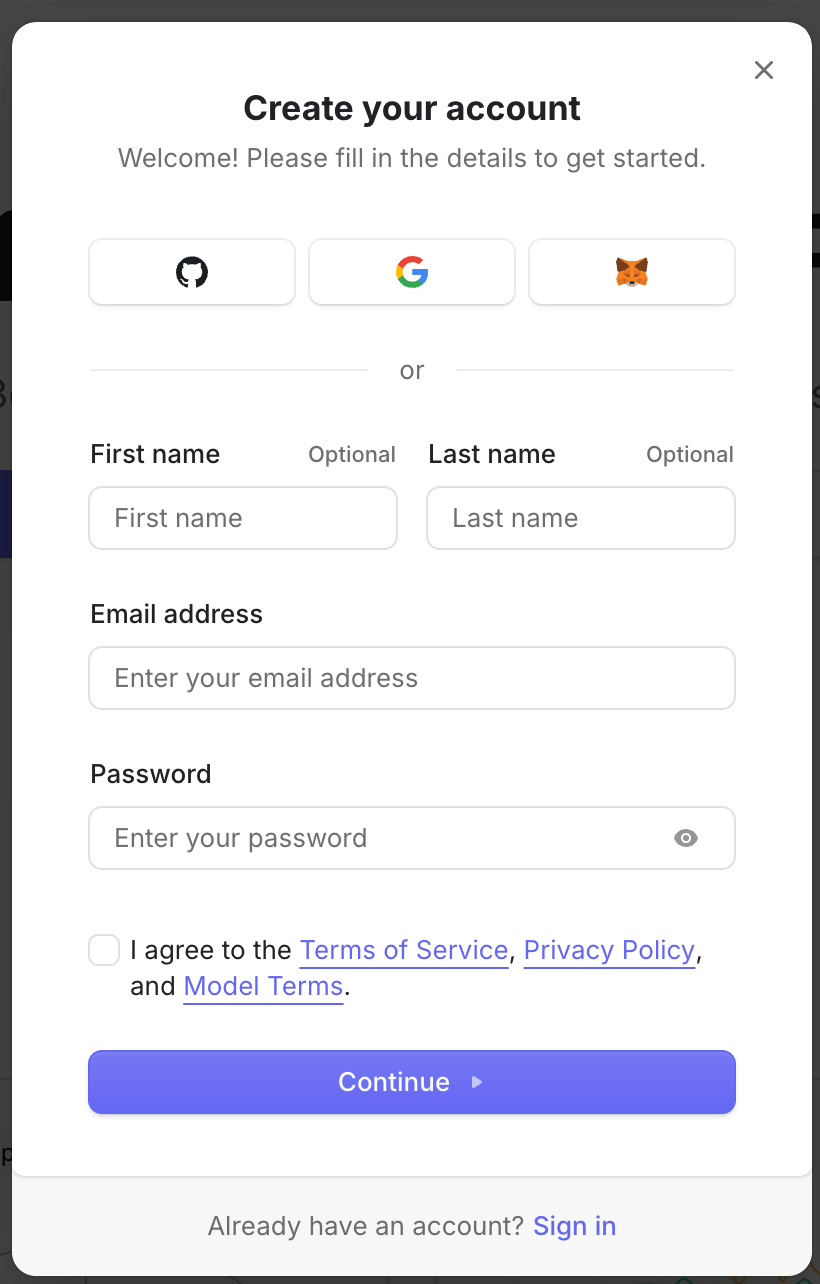
1. Open OpenRouter and sign up
Go to the OpenRouter website and use the signup or login entry. You can create an account with GitHub, Google, MetaMask, or an email and password.
2. Click Get API Key
After logging in, return to the homepage or console entry and click Get API Key. This takes you to the page for creating and managing keys used by API calls.

3. Create and manage API keys
On the API Keys page, click New Key to create a key. Copy the full key into your application, environment variables, IDE plugin, or script. OpenRouter is compatible with OpenAI-style APIs; check the official docs for model names and request details.
https://openrouter.ai/settings/keys
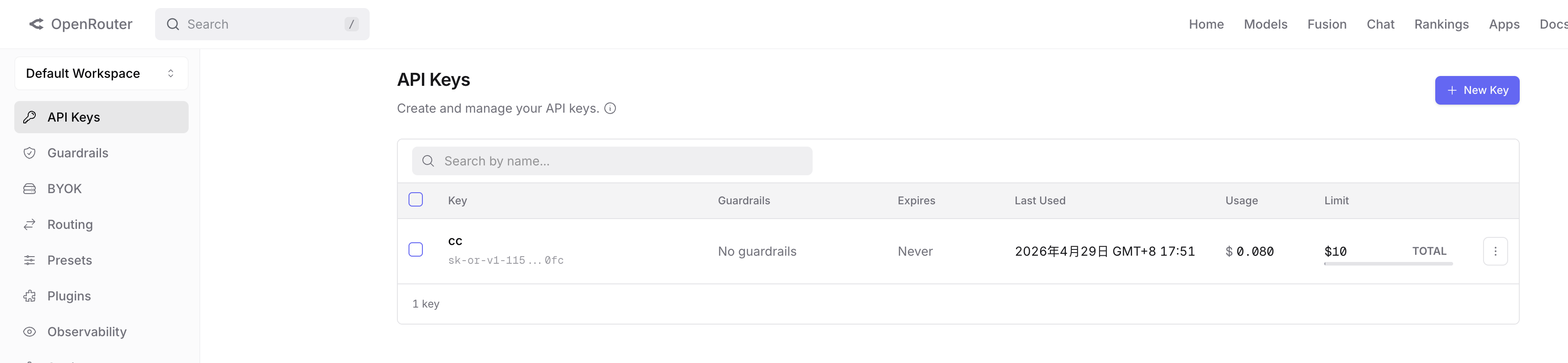
Security tip: Do not put API keys in public repositories, screenshots, or chat messages. If a key may have leaked, revoke it in OpenRouter and create a new one.
Loading comments...